Invoice Approval Audit Trail That Holds Up
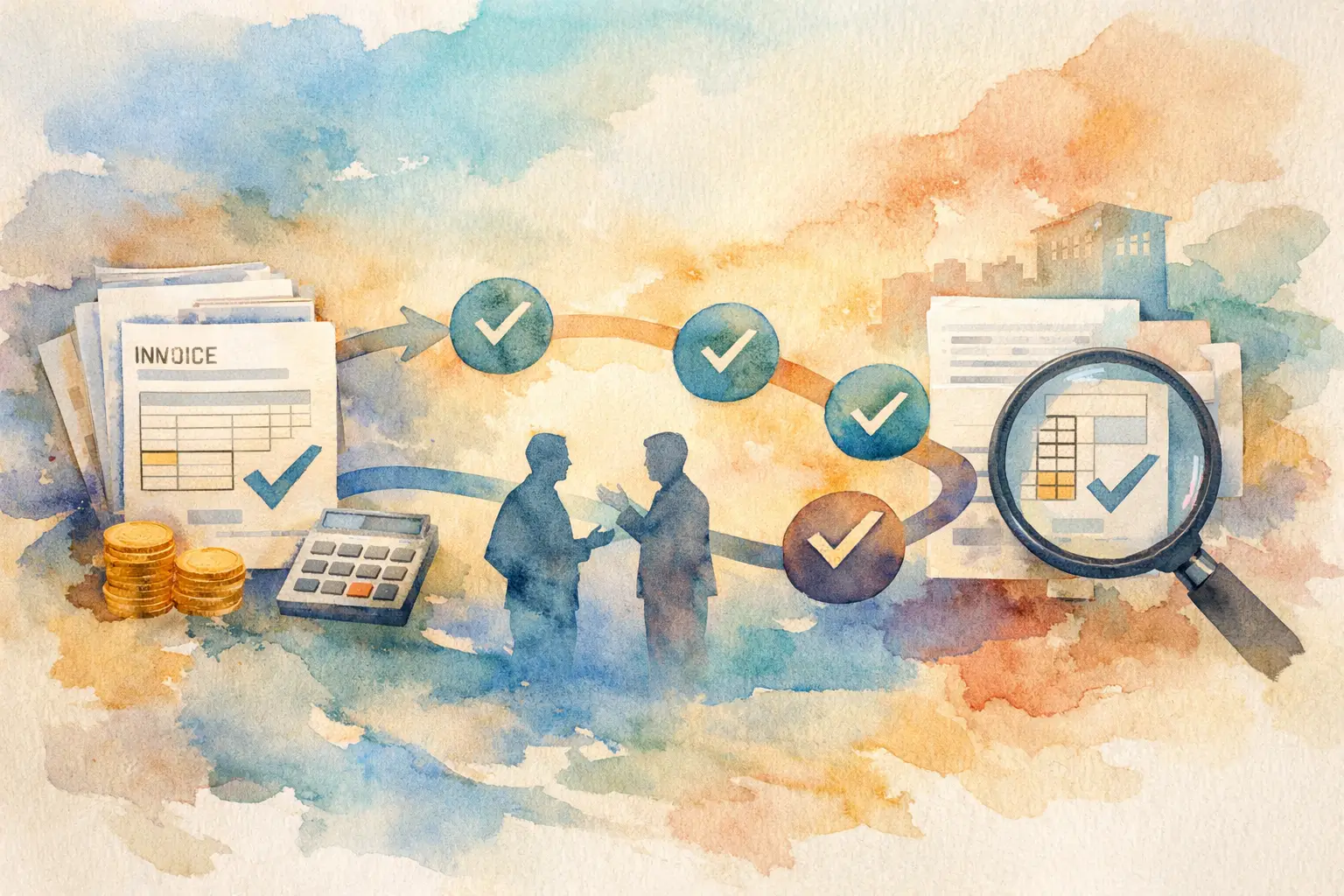
An invoice arrives in a shared inbox on Monday. By Friday, the team knows it was paid, but no one can say who approved it, whether the amount changed, or why it bypassed the usual owner. That is the gap an invoice approval audit trail is meant to close.
For growing businesses, this is not paperwork for paperwork's sake. It is the operating record behind every supplier payment. A clear trail gives finance the facts to release a payment with confidence, answer a vendor question quickly, and show leadership that spending followed the right process.
What an invoice approval audit trail should show
An audit trail is a time-stamped record of activity around an invoice. It should document the invoice from submission through approval and payment status, without relying on someone to reconstruct a story from email threads or chat messages.
At a minimum, the record should show who submitted the invoice, the supplier, invoice amount, and date of submission. It should also show the assigned approver, each approval or rejection decision, the time of that decision, and any relevant comments or changes. If the invoice is marked partially paid or paid, that status should be visible as part of the same record.
The useful distinction is between a file repository and an operating history. Saving a PDF in a folder proves that an invoice existed. It does not prove that the right person reviewed it before money left the business. A real audit trail connects the document, the decision, and the payment status in one place.
Why email approvals break down
Email is convenient at the start because it requires no process change. An employee forwards a bill. A manager replies, “Approved.” Finance pays it. That approach works until invoice volume rises, approvers are out of office, or a payment is questioned weeks later.
The problem is not that email can never contain an approval. The problem is that the evidence is scattered and easy to misread. A reply may refer to an older version of the invoice. A manager may approve an amount without seeing a duplicate charge. Someone may move a thread, delete a message, or approve from a personal device with no visible connection to the payment record.
Spreadsheets create a different version of the same issue. They can track invoice status, but they depend on manual updates. If an approver gives direction in a meeting and nobody updates the row, the spreadsheet becomes a guess rather than a control.
A centralized workflow removes this ambiguity. The invoice, the assigned owner, the action taken, and the current status are part of the same controlled process.
Build the trail into the workflow
The strongest audit trails are created automatically as normal work happens. Asking a finance team to document every action separately creates delays and invites omissions. The workflow itself should capture the record.
Start with complete intake
An invoice should enter the system with enough information for an approver to make a decision. Supplier name, amount, invoice reference, due date when available, and supporting documentation provide the baseline. The submitter should select the appropriate approver rather than sending the bill into an unowned queue.
This does not mean every invoice needs a complex coding process before it can be reviewed. For many small and midsize businesses, a fast, consistent intake step is more valuable than a long form that employees avoid. Capture what the business needs to route and evaluate the bill, then keep the original documentation attached to the record.
Assign responsibility before approval is needed
An invoice without a named owner is where delays begin. The approval record should show who is responsible for the next decision and when the assignment occurred. If the invoice is reassigned, that change should be visible too.
Clear ownership prevents the common handoff problem: finance assumes the department reviewed the charge, while the department assumes finance is handling it. A visible queue makes the next action obvious and gives supervisors a practical way to manage exceptions.
Record decisions, not just final approval
A useful trail captures more than a green approved label. It should show whether an invoice was approved, rejected, returned for clarification, or reassigned. Comments matter when they explain an exception, such as a price increase, a partial delivery, or a one-time vendor charge.
Not every decision needs a written essay. Requiring excessive comments can slow down routine work. But the system should make it easy to record the context when a decision falls outside the expected pattern. That is where the audit trail becomes especially valuable.
Keep payment status connected
Approval is not the end of the invoice lifecycle. Finance also needs to know whether the bill remains outstanding, has been partially paid, or is fully paid. Separating approval records from payment tracking forces staff to compare multiple systems before they can answer a simple question: What do we owe this supplier right now?
Keeping status visible beside the approval history gives controllers and AP teams a cleaner view of obligations. It also makes vendor follow-up more precise. Instead of searching for a payment confirmation and a separate approval email, the team can review one record.
Controls should fit the risk
An invoice approval audit trail should be disciplined, but it does not need to turn every purchase into an enterprise procurement project. The right level of control depends on invoice value, vendor risk, spending category, and the size of the team.
A recurring utility bill may need one departmental approval because the amount is predictable. A new software contract, an unusual consulting invoice, or a high-dollar equipment charge may need a second review. The principle is simple: apply more scrutiny where an incorrect payment would create more financial or operational exposure.
Role-based access is part of that control. Employees should be able to submit invoices without gaining visibility into every supplier relationship or company-wide payment status. Approvers need the invoices assigned to them. Finance administrators need broader oversight. This separation reduces unnecessary exposure while preserving accountability.
The record itself should also be protected from casual revision. If a bill amount, approver, or status changes, the history should show what happened. An audit trail loses value when people can overwrite the past without leaving evidence.
What finance can answer with a clean record
The test of an audit trail is not whether it looks complete. The test is whether it answers practical questions quickly.
When a vendor says an invoice is overdue, finance should be able to see whether it is awaiting approval, was rejected, is scheduled for payment, or was partially paid. When a department leader asks why a charge was paid, the team should be able to identify the reviewer and supporting documentation. When an approver says they never saw a bill, the assignment history should settle the question without a search through inboxes.
That visibility also improves daily management. Finance can identify invoices stalled with a specific owner, recurring suppliers that generate frequent exceptions, and bills nearing their due date. The result is not just better documentation after the fact. It is faster intervention before a late payment or duplicate payment becomes a problem.
Common gaps to eliminate
Many teams believe they have a trail because they retain invoice PDFs and payment confirmations. Those records are necessary, but they leave critical gaps when approval activity lives elsewhere.
Watch for four warning signs:
- Approvals happen in email, chat, or verbal conversations with no central record.
- Invoice amounts or attachments can change without a visible history.
- Anyone with access can view supplier and payment information they do not need.
- Paid and partially paid invoices are tracked separately from the approval decision.
Each gap makes routine questions harder to answer and weakens the business's ability to demonstrate control. The fix is not more manual follow-up. It is a workflow that captures the action at the moment it occurs.
Make the process easy enough to follow
A control only works when people use it. If submitting an invoice takes too long, employees will return to forwarding PDFs. If approvers cannot see what they need in seconds, decisions will sit in inboxes. If finance cannot see current status without exporting data, the system has added work instead of removing it.
UTUMATE is designed around this practical balance: quick invoice submission, defined approval ownership, auditable decision records, controlled role access, and clear paid or partially paid status. The goal is not to add another layer between teams and their work. It is to give every invoice a reliable path and every payment a defensible record.
Start by making one rule nonnegotiable: no invoice moves to payment without a visible owner and recorded decision. Once that standard is built into daily work, the audit trail stops being a record you hope you have and becomes proof you can use.