Invoice Approval Workflow Software That Works
An invoice arrives, someone forwards it, and the approval process disappears into an email thread. Three days later, accounts payable is asking whether the charge is approved, the department lead is asking who owns it, and the supplier is waiting for payment.
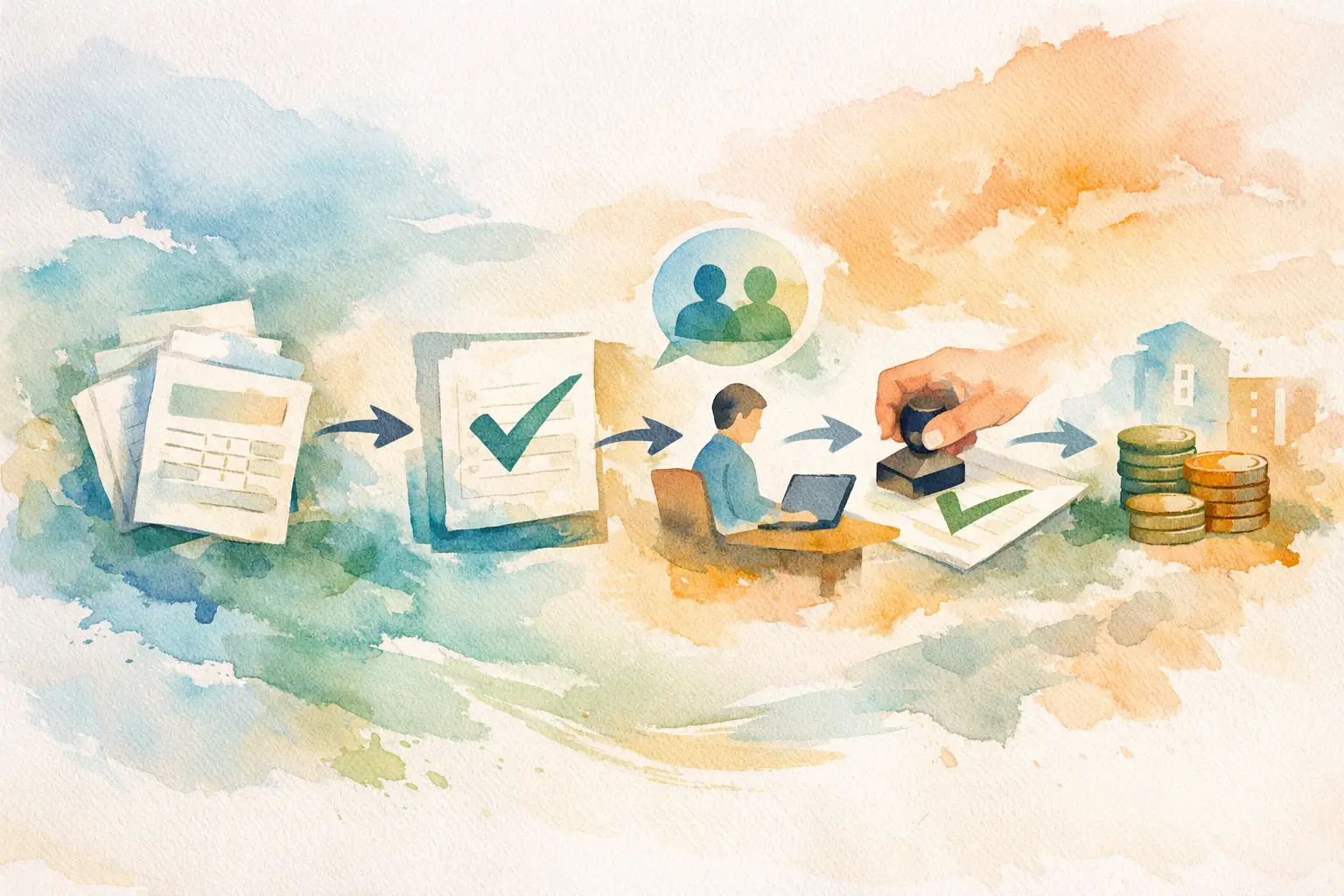
Invoice approval workflow software replaces that uncertainty with a defined path: submit the bill, assign the right approver, record the decision, and track what happens next. For growing businesses, that is not an administrative upgrade. It is a practical control over cash, vendor relationships, and internal accountability.
Why Email-Based Invoice Approval Fails
Email is useful for communication. It is a poor system of record for financial decisions.
A single supplier invoice can generate forwarded messages, attachments with unclear versions, approval replies without context, and side conversations in chat. Even when everyone acts in good faith, finance is left reconstructing the story: who reviewed the invoice, what they approved, whether the amount was questioned, and whether the bill has been paid.
The problem gets worse as a company grows. More departments buy services. More managers approve spend. More people need visibility without needing access to every financial detail. A shared inbox or spreadsheet may work for a few invoices a month, but it becomes fragile when payment timing and approval ownership matter.
The cost is not only late payments. Weak approval processes create duplicate payments, missed disputes, unplanned cash commitments, and audit gaps. They also force AP staff to spend time chasing answers instead of controlling the payment queue.
What Invoice Approval Workflow Software Should Control
The right system does more than move an invoice from one person to another. It gives each participant a clear job and preserves the evidence behind every decision.
At intake, employees or AP staff should be able to enter the supplier, amount, invoice details, and supporting documentation without creating a separate email chain. The invoice should then be routed to a named approver or the appropriate approval path. That simple assignment matters. An invoice with no clear owner is an invoice likely to stall.
Approvers need a focused queue that shows what is waiting, what information is available, and what action is required. They should be able to approve or reject with a decision recorded against the invoice. Finance administrators need broader oversight: outstanding approvals, overdue bills, payment status, and the complete history of each item.
A useful invoice approval workflow software platform also separates access by role. Employees can submit invoices without seeing company-wide payables. Department supervisors can approve their own spending area without gaining unrestricted finance access. Administrators can manage the process and retain full visibility. Those boundaries reduce accidental exposure while keeping work moving.
Build a Workflow People Will Actually Use
A controlled process fails if it is harder than forwarding an email. The objective is not to create more steps. It is to make the necessary steps obvious and fast.
Start with the invoice lifecycle your team already follows. Most small and midsize businesses need a straightforward sequence: invoice submitted, invoice reviewed, invoice approved or rejected, payment scheduled, and payment recorded. Some invoices may require a second approver based on amount, department, or supplier type. Others may only need a department owner to confirm the charge is valid.
Do not copy enterprise approval structures just because they exist. Requiring four approvals for a routine software subscription will slow operations without materially improving control. On the other hand, allowing a single requester to submit and approve a large vendor invoice creates an avoidable risk. The appropriate workflow depends on your spending volume, team structure, and tolerance for review.
Set approval rules around real decision points. Common examples include a department manager approving purchases charged to their budget, a finance leader reviewing invoices above a set threshold, or a controller reviewing new suppliers before payment. Keep the rules visible. If people cannot tell why an invoice is waiting, they will return to chat messages and exceptions.
Keep the Audit Trail With the Invoice
A finance team should not have to search across inboxes, spreadsheets, and messaging tools to prove that a bill was approved. Every action belongs with the invoice itself.
An effective audit record shows who submitted the bill, who was selected to approve it, when each action occurred, and the final decision. It should also preserve rejection reasons and any relevant notes. This creates a reliable operating record for month-end review, vendor questions, internal controls, and external audits.
Immutability is especially valuable here. Approval history should not be editable after the fact to make a process look cleaner than it was. People make exceptions, invoices get reassigned, and approvals sometimes take longer than planned. A good record captures reality. That is what makes it useful when finance needs to investigate a payment or explain a decision.
Documentation also protects approvers. A manager who approves an invoice should be able to see the supplier, amount, and context before acting. A clear record makes it easier to approve confidently and easier to identify a charge that needs clarification.
Track Approval Status and Payment Status Separately
Approval is not payment. Treating them as the same status creates confusion for both finance and the rest of the business.
An approved invoice means the company has authorized the obligation. It does not necessarily mean funds have left the account. Payment may be scheduled for a due date, held for a cash-planning decision, or split into partial payments. The system should make that distinction clear.
Teams need to know what is awaiting approval, what has been approved but remains unpaid, what has been partially paid, and what has been fully paid. This view gives finance a more dependable picture of upcoming obligations. It also gives department leaders an answer when they ask whether a vendor has been paid, without requiring them to access bank information or search through AP emails.
This separation is one of the most practical benefits of centralization. It prevents the familiar situation where an approved invoice is assumed paid, then discovered weeks later in a folder or spreadsheet with no current owner.
Choose Software for Control, Not Feature Volume
The best platform is not automatically the one with the longest feature list. A growing business needs software that reinforces its actual process and is simple enough for employees, managers, and AP staff to use consistently.
When evaluating options, look for four essentials:
- Fast invoice submission with supplier, amount, documents, and approver details captured in one place.
- Role-based access that gives each user the visibility required for their job, and no more.
- A complete approval history that records actions, dates, decisions, and documentation.
- Clear payment tracking, including unpaid, paid, and partially paid invoices.
Then assess the practical trade-offs. A highly configurable platform can support complex routing, but configuration may require more administration than a small finance team can sustain. A lightweight tool may be easier to adopt, but it may not provide the permission controls or audit history needed as the company adds departments and spending authority.
The right choice is the one that creates discipline without turning invoice submission into a finance project. UTUMATE is built around that focused need: quick intake, controlled routing, isolated workspaces, auditable approvals, and clear payment visibility.
Roll Out the Process Without Creating Friction
Start with one rule: invoices enter the system before they enter the approval conversation. That keeps documentation connected to the decision from the first step.
Define who can submit invoices, who owns approvals for each department, and who can mark payments as complete. Communicate those roles in plain language. Employees do not need a policy manual to know where an invoice goes and who will review it.
For the first month, review the approval queue regularly. Look for invoices that sit too long, approvers who receive bills outside their responsibility, and recurring questions that indicate missing information at submission. Adjust the workflow based on what actually happens, not what looked tidy on a diagram.
It also helps to establish an exception path. An urgent invoice may need expedited review, while a disputed bill may need to remain visible without moving toward payment. Exceptions should be visible and documented, not handled through an untracked side channel.
Make Every Invoice Accountable
A controlled invoice process does not need to feel heavy. It should make the next action clear for the person submitting the bill, the manager approving it, and the finance team responsible for payment.
When every invoice has an owner, every approval has a record, and every payment status is visible, AP stops operating as a follow-up function. It becomes a dependable source of financial control - exactly where a growing business needs it.