What Is Accounts Payable Workflow? A Clear Guide
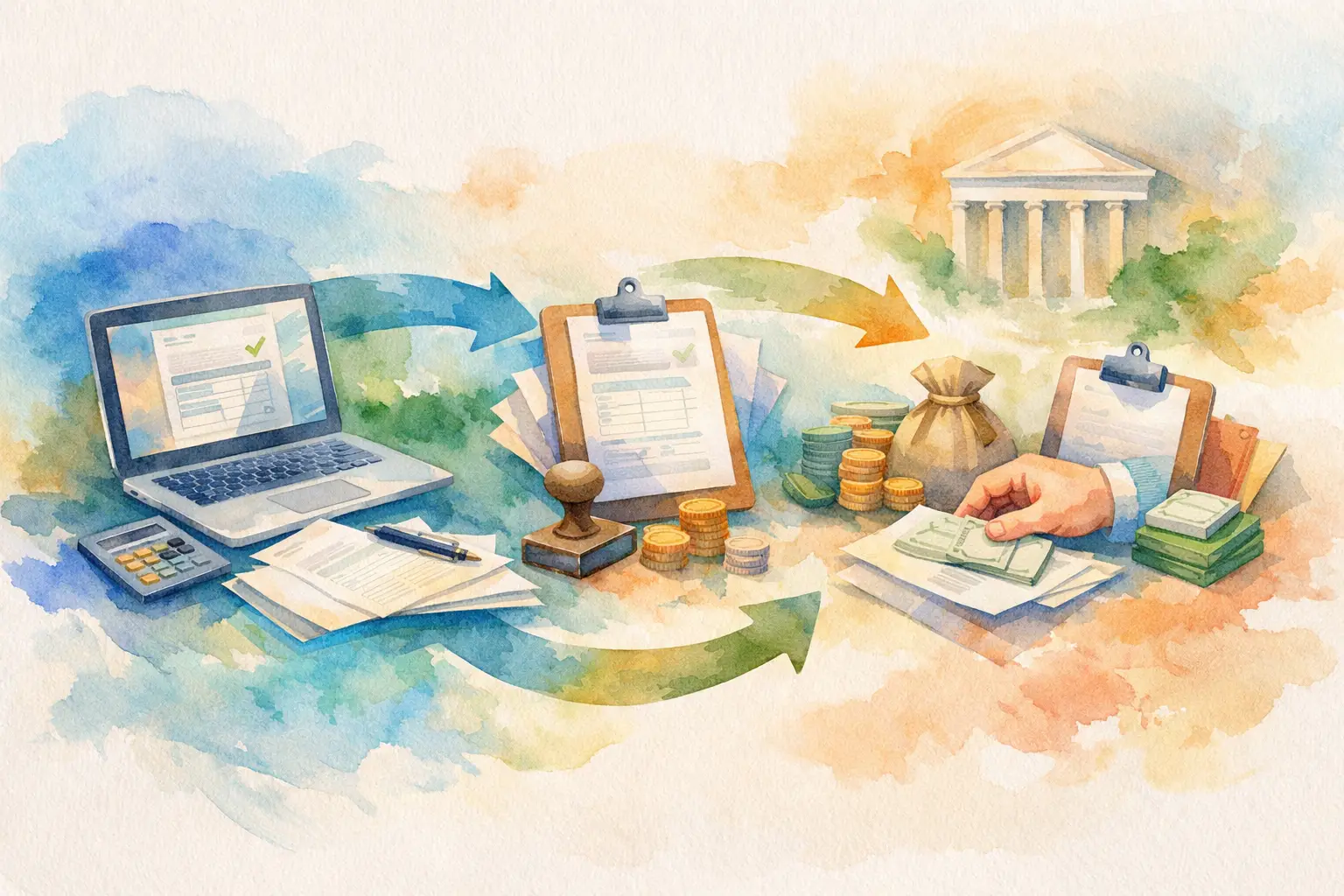
A supplier invoice arrives in a shared inbox. Someone forwards it to a manager. The manager replies two days later, but the amount is unclear. Finance cannot tell whether payment was approved, disputed, or simply missed. That is the problem an accounts payable workflow is built to prevent.
What Is Accounts Payable Workflow?
An accounts payable workflow is the defined process a business uses to receive supplier invoices, verify them, route them for approval, track payment status, and retain a record of every decision. It sets out who can submit an invoice, who must approve it, what happens when information is missing, and when finance can move it toward payment.
The goal is not to add bureaucracy to routine spending. It is to replace uncertainty with a controlled process. Instead of searching email threads and asking who owns the next step, the team can see the invoice, its approval status, its payment status, and the actions taken on it.
For a small business, the workflow may be straightforward: an employee submits a bill, a manager approves it, and finance pays it. As the business grows, the process often needs more structure. A department leader may need to confirm the purchase, a controller may review larger amounts, and finance may need documentation before releasing payment. The right workflow reflects those real approval responsibilities without turning every invoice into a long administrative exercise.
The Core Stages of an Accounts Payable Workflow
A useful workflow follows the path of an invoice from arrival to final payment. Each stage should have a clear owner and a visible status.
1. Invoice intake
The process begins when an employee or AP team member submits an invoice. At a minimum, the record should capture the supplier, invoice amount, invoice date, due date, and supporting document. The submitter may also select the person responsible for approval.
Centralized intake matters because invoices rarely arrive in one consistent format. They may come through email, vendor portals, or directly from employees who arranged a purchase. Without one place to submit them, invoices get buried in inboxes, duplicated in spreadsheets, or handed off without context.
A good intake step also catches missing information early. If the supplier name, amount, or approver is absent, the invoice should not quietly move forward. It should be returned or flagged while the details are still easy to correct.
2. Review and coding
Before approval, finance may review the invoice for accuracy. This can include confirming that the vendor is legitimate, checking for duplicate invoice numbers, validating the amount, and assigning the expense to the correct department or account.
The depth of this review depends on the business. A company with a high volume of recurring software subscriptions may use a lighter check for predictable invoices. A construction firm handling large project costs may need more detailed verification against contracts, purchase orders, or proof of delivery.
This stage is where an AP workflow protects against avoidable errors. Paying the same invoice twice, paying a vendor that has not delivered, or charging the wrong department can create problems that take far longer to fix than to prevent.
3. Approval routing
Approval routing sends the invoice to the people who have authority to approve the spend. The routing can be simple or conditional. For example, invoices below a set amount may go only to a department supervisor, while larger invoices require a second review from finance or an executive.
The important point is that approval ownership is explicit. An approver should know what they are being asked to confirm: that the purchase was authorized, the goods or services were received, the amount is correct, or the budget can support the expense.
Email-based approvals make this difficult because replies are easy to miss and approval language is often vague. A recorded approval inside a workflow creates a stronger operational record. It shows who approved, when they approved, and what invoice they approved.
4. Exception handling
Not every invoice should move through the standard path. A price may not match the agreement. A manager may reject a charge. An invoice may be overdue before it is submitted. These are normal business events, but they need a defined response.
A controlled workflow lets the team mark an invoice as rejected, disputed, on hold, or awaiting information. That status prevents finance from treating an unresolved invoice as ready for payment. It also gives the submitter and approver a clear next action instead of leaving the issue inside a private message thread.
5. Payment scheduling and status tracking
After the required approvals are complete, finance can schedule the invoice for payment according to its due date, payment terms, cash position, and supplier relationship. Approval does not always mean immediate payment. It means the invoice is authorized to enter the payment process.
Payment visibility is especially important when a business pays invoices in batches or makes partial payments. The AP record should show whether an invoice is unpaid, partially paid, paid, or held. Finance should not have to reconstruct that answer from bank activity and spreadsheet notes.
6. Audit documentation and retention
The final stage is not simply filing a PDF. A complete AP record includes the submitted invoice, approval history, comments, status changes, and payment information. Together, these records show how the company handled the obligation.
This documentation supports internal controls, month-end review, vendor questions, and audits. It also helps when a key employee leaves or a manager needs to understand why a payment was authorized months earlier.
Why Accounts Payable Workflows Matter
Accounts payable is often viewed as back-office administration. In practice, it controls a meaningful part of a company’s cash commitments. Every unpaid invoice represents money owed, a supplier relationship to manage, and a decision that should be accountable.
A defined workflow creates faster decisions because invoices reach the right approver without manual chasing. It creates clearer cash visibility because finance can see what is waiting for approval and what is ready to pay. It also reduces control gaps by limiting who can view, approve, or change financial information.
The benefit is not only for finance. Department supervisors get a cleaner approval queue. Employees know where to submit invoices. Founders and controllers gain a dependable record of spending decisions without being copied on every email.
What a Strong AP Workflow Should Include
A workable process does not need the complexity of a large enterprise finance system. It does need a few non-negotiable controls: a single intake point, assigned approval ownership, status visibility, permission boundaries, and a preserved activity record.
Role-based access is particularly useful for growing teams. Employees may need to submit invoices but should not see company-wide payment data. Managers should approve invoices for their area without changing finance settings. Administrators need broader oversight, but that authority should be deliberate rather than accidental.
The best approval rules are proportionate to risk. Requiring three approvals for a small recurring utility bill can slow work without adding much protection. Allowing a large unplanned vendor payment to move forward with no review creates the opposite problem. Approval thresholds, department rules, and exception paths should match how the business actually spends money.
Common Accounts Payable Workflow Breakdowns
Most AP problems are process problems before they become payment problems. Invoices sit unassigned because no one knows who should approve them. A manager approves an amount without seeing the invoice attachment. Finance pays a bill that was already handled because the payment status was not updated.
Another common issue is using email as the system of record. Email is useful for discussion, but it is weak for tracking operational state. It does not reliably show which version of an invoice is current, whether approval is complete, or whether an exception was resolved.
Spreadsheets can provide more structure, but they depend heavily on manual updates. As invoice volume grows, the team spends more time maintaining the tracker and less time reviewing the invoices that need attention.
Building a Workflow That Fits Your Team
Start by mapping what happens now. Identify where invoices enter the business, who confirms the spend, who approves different dollar amounts, and who marks invoices as paid. This usually reveals duplicated work and unclear handoffs quickly.
Then set a small number of rules that everyone can follow. Define required invoice details, assign approvers by department or spending level, and decide which statuses finance will use. Keep the first version practical. You can add conditional rules as patterns become clear.
A purpose-built platform such as UTUMATE can centralize submission, approval queues, payment-status tracking, and audit documentation in one controlled workspace. The value is not another place to store files. It is giving every invoice a visible path from submission to approved, held, partially paid, or paid.
A good accounts payable workflow should make the next action obvious. When an invoice arrives, your team should know who owns it, what decision is needed, and whether payment can proceed. That clarity protects cash, respects supplier commitments, and gives growing teams a process they can rely on.