Invoice Automation for Controlled AP Workflows
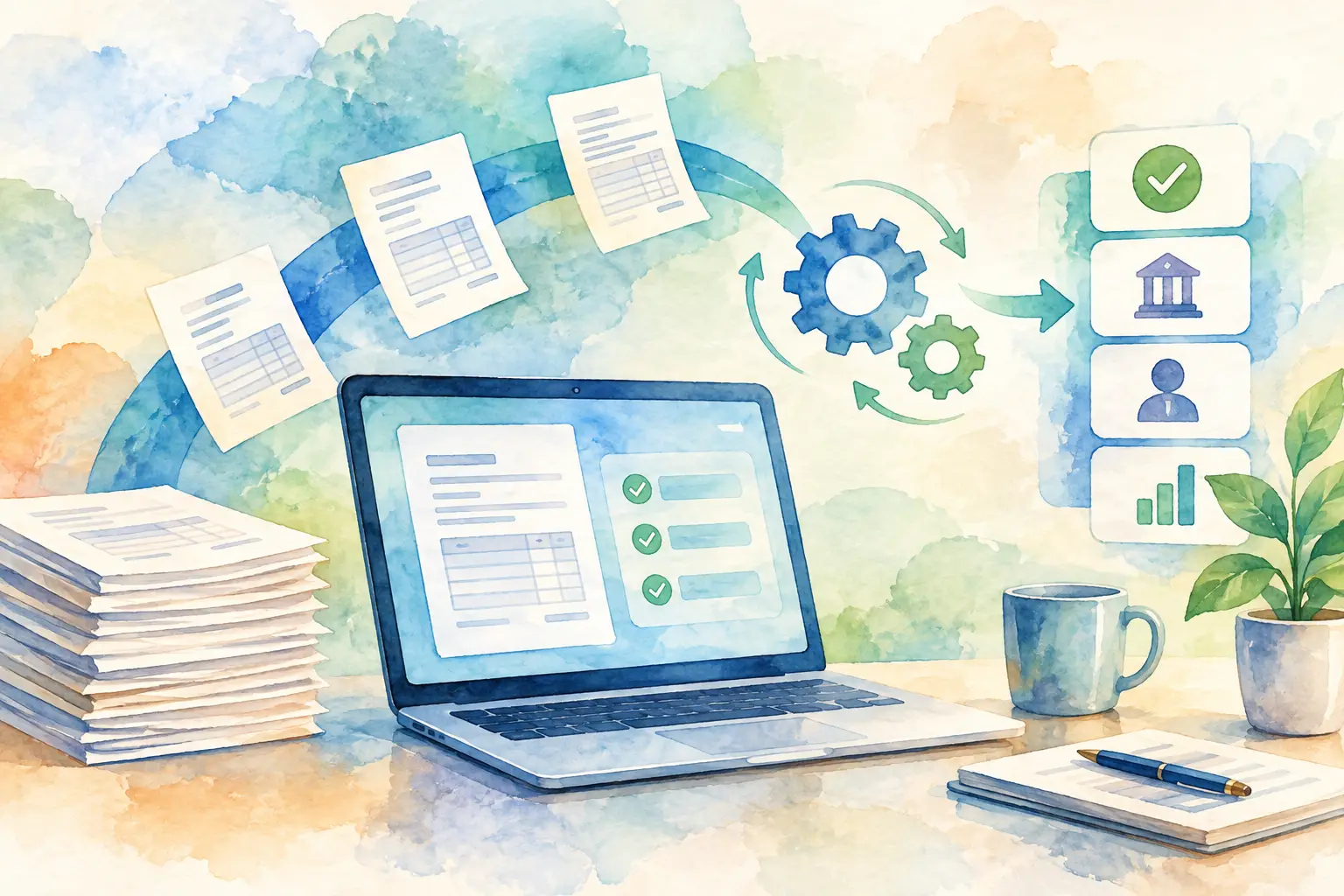
A supplier invoice arrives, gets forwarded to a manager, sits in an inbox for four days, and is finally approved in a reply-all thread. Finance then has to determine whether it was paid, partially paid, or missed entirely. That is the operating problem invoice automation is built to fix.
For small and midsize businesses, the goal is not to add complexity to accounts payable. It is to establish a clear path from invoice submission to approval, payment oversight, and documented completion. Every invoice should have an owner, a current status, and a record that holds up when someone asks what happened.
What invoice automation should actually automate
Invoice automation is often described as a way to eliminate manual work. That is only partly true. A useful system does not remove judgment from spending decisions. It removes the chasing, uncertainty, and undocumented handoffs surrounding those decisions.
At a practical level, the workflow should capture supplier details, invoice amount, due date, supporting documentation, and the right approver at intake. It should then route the invoice to the person accountable for the decision, record that decision, and give finance a clear view of payment status.
The result is not just faster processing. It is a controlled operating record. Employees know how to submit bills. Managers know what needs their attention. Finance knows what is due and which approvals are complete.
Automation can also mean different things depending on the team. Some businesses need document capture and data extraction from high invoice volumes. Others already have the invoice details but need to replace email approvals and spreadsheet trackers. For many growing companies, controlled routing and traceable status are the first priorities. There is little value in extracting data faster if the invoice still disappears after submission.
The cost of an email-based approval process
Email is convenient for a single request. It is not an accounts payable system. Threads split, attachments get buried, approvers are copied without clear ownership, and finance is left reconstructing decisions after the fact.
These gaps create direct operational risk. An invoice may be paid late because no one saw it. A payment may be duplicated because the original request was not visible. A supervisor may approve a charge without the context needed to validate it. During a review, the team may have to search inboxes to prove who approved an expense and when.
The hidden cost is time. AP staff spend hours following up on approvals, answering payment-status questions, and reconciling disconnected records. Department leaders receive requests without a consistent format. Employees do not know whether their vendor bill is being processed, so they send more messages. A workflow that appears informal becomes expensive as invoice volume and team size increase.
Build invoice automation around accountability
A controlled workflow starts with a simple rule: each invoice needs one visible path forward. That path should make responsibility clear at every stage.
Start with structured submission
Employees should submit an invoice with the essential details upfront: supplier, amount, relevant documentation, and the intended approver. This gives finance and managers enough context to act without starting another email chain.
Structured submission also improves the quality of the payables record. Supplier names are consistent. Amounts are visible. Supporting files stay with the request. If a question comes up later, the team can review one record rather than assemble evidence from several tools.
The intake process should be quick enough that employees use it. If submission requires a long form or finance-specific knowledge, people will return to email. The right balance is simple input for requesters and complete information for the people responsible for approval and payment.
Route to the right approver
Approval routing is where invoice automation becomes a control system rather than a digital filing cabinet. The system should direct each request to a designated person, create a visible approval queue, and show whether action is pending, approved, or rejected.
The routing model depends on the business. A smaller company may assign a single department supervisor. A more operationally complex team may require approval by cost center, location, spending threshold, or project owner. The important point is that the rule is known before the invoice becomes urgent.
Avoid building a workflow with too many approval layers by default. Additional review can reduce risk for material purchases, but it can also delay routine bills. Use tighter controls where risk, spend, or contract obligations justify them. Keep standard operating expenses moving through a shorter path.
Preserve the approval record
An approval that cannot be verified later is not a reliable control. The system should retain a time-stamped history of submissions, decisions, comments, status changes, and payment updates.
This record matters during more than an audit. It resolves everyday questions: Was this invoice approved before payment? Who asked for a change? Why was it rejected? When did the payment status move to partial or paid? Clear records reduce internal friction because the answer is available without relying on memory.
Immutable approval histories are especially valuable when roles change. A manager may leave the company, an employee may move teams, or finance may need to review decisions from months earlier. The record remains with the invoice, not with an individual's inbox.
Keep payment status separate from approval status
Approval and payment are related, but they are not the same event. An approved invoice may be scheduled for payment next week. A partially paid invoice may need follow-up. A rejected invoice should not appear alongside approved obligations as though it is ready to pay.
Invoice automation should make these stages distinct. Finance needs to see what has been submitted, what is waiting for approval, what is approved, and what has been paid or partially paid. This creates a usable view of outstanding obligations without turning payment tracking into a separate spreadsheet.
The level of payment detail should fit the team's process. If payments are made in a bank portal or accounting system, the AP workflow may only need a clear status update and supporting documentation. If the business requires deeper payment execution controls, integrations and reconciliation steps may be appropriate. The key is to prevent status from becoming guesswork.
Use permissions to protect financial information
Not every employee needs access to every supplier invoice. A disciplined accounts payable process uses role-based access so people can perform their jobs without seeing unnecessary financial data.
Employees may need to submit and view their own requests. Approvers need access to the invoices assigned to them and the information required to decide. Supervisors may need team visibility. Finance administrators need broader control over queues, records, and payment updates.
Permission boundaries are not an obstacle to speed. They reduce confusion by making each person's workspace relevant to their role. They also limit accidental changes and help maintain confidentiality around vendor pricing, operating expenses, and payment activity.
For businesses with multiple entities, departments, or operating groups, workspace separation becomes equally important. Isolated workspaces help ensure invoices, approvals, and documentation remain in the right operating context. That structure prevents a growing business from creating one large, hard-to-govern shared queue.
Measure whether the workflow is working
The strongest sign of effective invoice automation is not the number of invoices processed. It is whether the team can answer basic questions quickly and accurately: What is waiting for approval? Who owns the next action? Which invoices are due soon? What has been paid? Can we show the approval record?
Track approval turnaround time, invoices pending past their due date, rejected invoices, and the volume of payment-status questions received by finance. These measures show where the process is slowing down. They also reveal whether a routing rule, workload imbalance, or missing documentation is causing the delay.
UTUMATE is designed around this operational discipline: rapid invoice intake, clear approval ownership, controlled access, and a complete record of what happened from submission through payment status.
Start with one repeatable path
Do not wait for a full finance-system overhaul to bring order to invoices. Begin with the invoice types that currently create the most chasing: recurring supplier bills, department purchases, or invoices that require manager approval before payment.
Set the submission requirements, name the approvers, define what each status means, and decide who updates payment status. Then hold the process consistently. A simple workflow used every time is more valuable than an ambitious policy that only exists in a shared document.
When an invoice has a clear route, a responsible approver, and a permanent record, accounts payable stops depending on who happens to be online. That gives the business something more useful than a faster inbox: a dependable way to control spend as it grows.